How I try to manage my knowledge (and use Alfred to do it)
What is PKM
- For a long time, I thought managing my knowledge meant collecting things: saving good articles, bookmarking documentation, and dumping snippets into folders.
- In reality, I was just hoarding information without actually learning it, and whenever I needed to solve a problem I had already encountered months ago, I still had to search from scratch.
- I often fell into the trap of obsessing over tools, spending hours tweaking plugins, color-coding tags, and designing intricate folder trees instead of doing real work.
- Every system I built eventually broke down because it demanded too much maintenance; missing a week during a busy work sprint left me with a backlog that felt too overwhelming to face.
- I finally realized that for me, PKM isn’t an archive or a showcase; it’s just an external memory bank to help me compound what I learn and avoid repeating the same mistakes.
My PKM Philosophy
- I used to try keeping my software engineering notes strictly separate from my personal life, but that division always felt artificial and exhausting to maintain.
- I don’t live in compartments; the canvas rendering bugs I fight at my job, the gym routine I follow, and the philosophy I read on weekends all shape the way I think and solve problems.
- My memory is far from perfect, and I hate the feeling of losing a solid conclusion or mental model I worked hard to reach in the past.
- The biggest obstacle I faced was decision paralysis whenever I wanted to write something down.
- Whenever I hesitated to take a note, it was almost always because I didn’t want to stop and figure out which folder or subfolder it belonged in.
- To stay consistent, I had to make capture completely frictionless: write where I am, leave the note unfiled, and never let taxonomy interrupt my flow.
- I stopped caring about having a pristine folder hierarchy and learned to rely on simple wikilinks and quick search to find what I need.
My Setup
- I keep my setup deliberately simple and local-first so I never have to worry about locked databases or software lock-in.
Obsidian
- I keep everything in plain text markdown files on my disk so that my notes remain mine and easily readable no matter what happens to any app.
- My daily note is my operational anchor; it’s where I log my active tasks, paste quick terminal commands, and jot down raw thoughts as I work.
- I use a single weekly note on Sundays to take a step back, look at where I got stuck during the week, and pull out any lessons worth keeping for the future.
- When my project folders grew too large, I struggled to navigate them until I started using native Obsidian Bases (
.basefiles). - By adding a few simple frontmatter properties (
type,status,area) to my notes, the Base builds dynamic tables and active work views for me automatically.
Google Drive to sync between mobile and desktop
- I keep my vault in a synced Google Drive directory so I don’t have to pay for extra sync subscriptions.
- It keeps my desktop and phone aligned in the background without needing manual transfers.
- It gives me offline peace of mind; I can write while on a walk or traveling, and everything reconciles once I reconnect.
My Alfred does the cleanups
- I don’t want an AI writing my thoughts, drafting my reflections, or telling me how to live; my opinions and journals need to be genuinely mine.
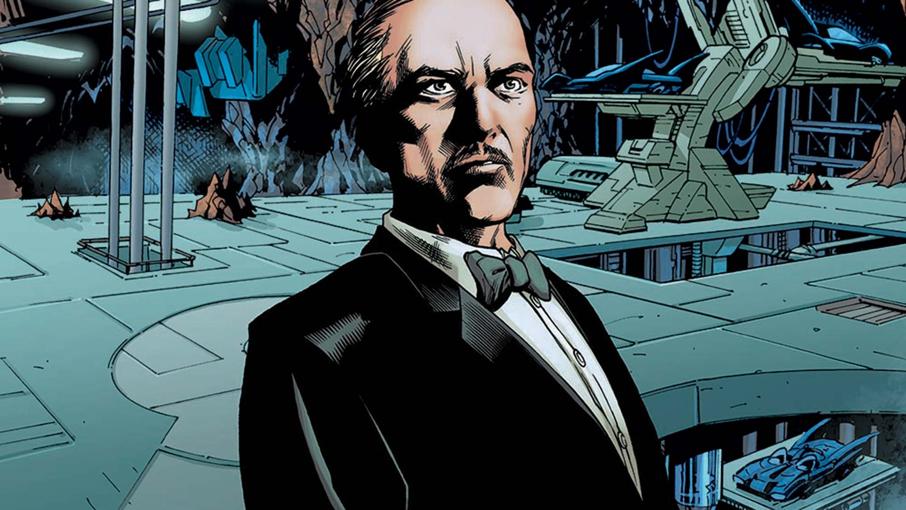
- I treat the AI agent like Alfred, Batman’s butler: a quiet steward who cleans the desk, puts the files away, and handles the chores so I can stay focused on thinking.
- When I’m in the zone, I often dump loose files and pasted screenshots right into the vault without filing them properly.
- Instead of feeling guilty about the mess, I let my agent scan those loose files, attach the right frontmatter properties, and move them into the appropriate project folders.
- The agent interfaces directly with Obsidian through its CLI to reload caches and make sure my database views stay fresh.
- At the end of the week, I can ask the agent to scan my daily notes, pull out the technical roadblocks I ran into, and help me seed my weekly debrief so my learnings don’t get buried.
- Having this assistant turned knowledge management from a chore that caused me guilt into a sustainable, background habit that actually supports my life.